What Is an eSIM? A Practical Guide for Travelers
eSIMs let you add a data plan without swapping SIM cards. Here's how they work, which devices support them, and what to watch out for before you buy.
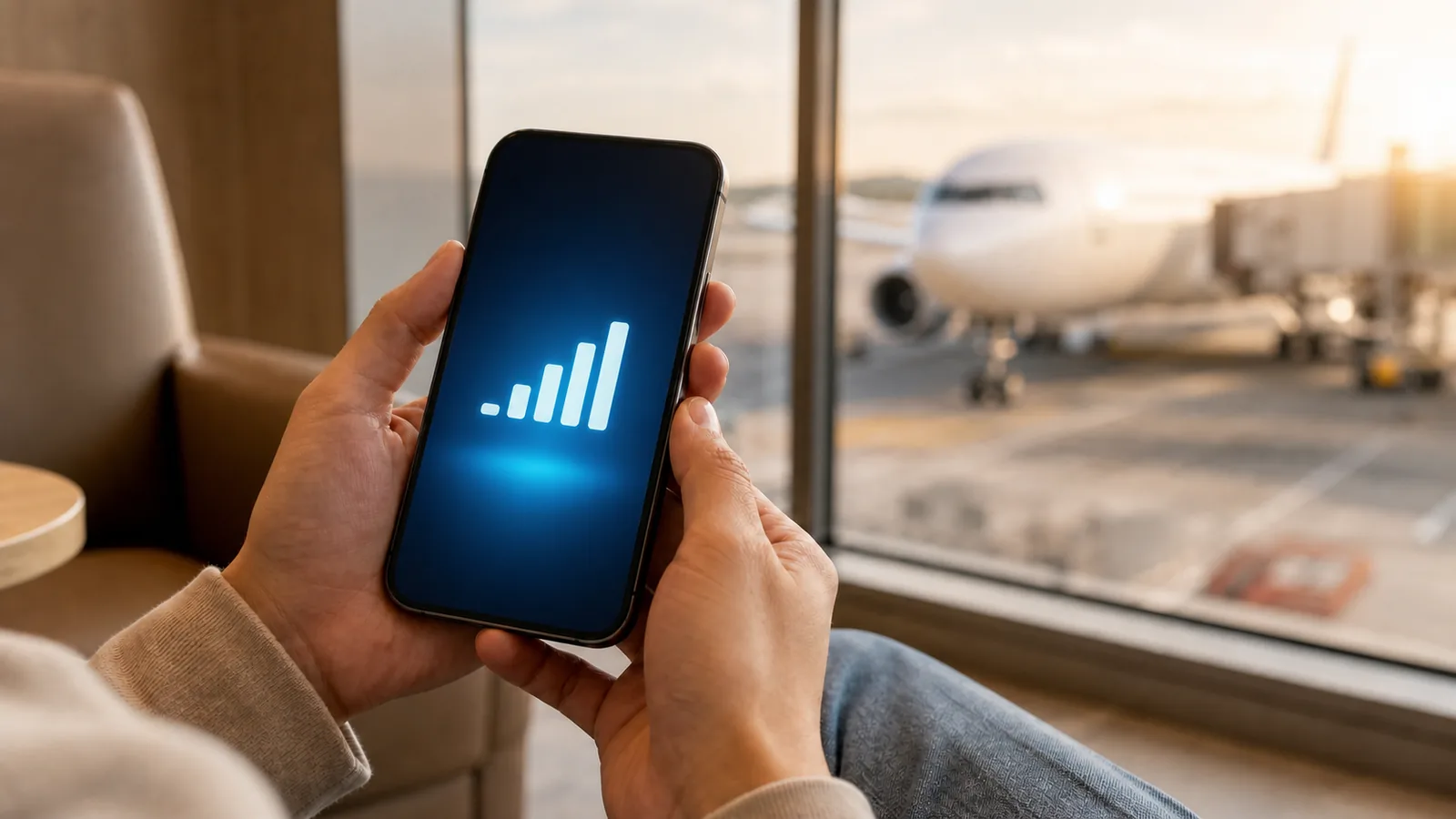
What exactly is an eSIM?
An eSIM (embedded SIM) is a chip soldered directly into your phone. There is no physical card to lose, no tray to open, and no tiny ejector tool required. Instead of buying a SIM at an airport kiosk, you install a data plan digitally, usually by scanning a QR code or using a provider's app. The whole process takes about three minutes.
The underlying technology is the same as a traditional SIM. Your phone still connects to a local carrier network in the country you're visiting. The difference is just delivery: the carrier profile arrives over the internet rather than on a piece of plastic.
How it differs from a physical SIM
With a physical SIM, you pull out your home SIM and put in the local one. Simple, but you're now unreachable on your home number until you swap back. That matters if you're waiting for a 2FA code, a callback from a hotel, or a message from someone who doesn't know you're abroad.
An eSIM keeps your home plan active on the same device. You install the travel eSIM as a second profile and tell your phone which one to use for data. Your home number stays reachable. You can even switch between them without removing anything.
Multiple profiles can live on the device at once. Most phones let you store several eSIM profiles and switch between them in settings, though usually only one or two can be active at a time.
Which devices support eSIM?
The list is long and grows every year. Here are the reliable ones:
- iPhone: XS, XR, and every model after. Note that iPhone 14 and later sold in the United States are eSIM-only with no physical SIM slot at all.
- Samsung Galaxy: S20 and later, plus many recent A-series phones (A54, A55, etc.).
- Google Pixel: Pixel 3 and later.
- Other Android: Many recent OnePlus, Motorola Edge, and Sony Xperia models support eSIM. Budget phones under $200 often do not.
To check your specific phone: on iPhone go to Settings > General > About and scroll down to find "Available SIM" or a section that mentions eSIM. On Android, look in Settings > Connections > SIM Manager (Samsung) or Settings > Network & Internet > SIMs (Pixel) for an "Add eSIM" option.
One important thing: the phone must be carrier-unlocked. If you bought it on a contract and never unlocked it, some providers will refuse to install. Check with your carrier before buying a travel eSIM.
When to use eSIM vs a physical SIM
eSIM makes sense for most short international trips. You arrive connected, skip the airport SIM hunt, and keep your home number working. Countries where buying a local SIM requires ID registration (Japan, South Korea, India) are particularly good fits for eSIM.
Physical SIMs have a real advantage for longer stays. If you're spending a month in Southeast Asia, local SIMs in Thailand, Vietnam, or Indonesia cost almost nothing and often come with generous data allowances. The per-GB price is hard to beat. The trade-off is spending 20 minutes at a shop and potentially needing your passport.
For a one or two week trip to most destinations, eSIM wins on convenience. For a multi-month trip where you're based in one country, look at local physical SIM options too.
One honest caveat
Not every eSIM plan is worth buying. Coverage quality varies by provider because different providers partner with different local carriers. A plan that works great in downtown Tokyo might be slow in rural Tohoku if it's routed through a partner with weaker rural coverage. Price per GB also varies enormously: some "global" plans are convenient but charge 5x what a country-specific plan costs for the same data.
Read the plan details before buying. Check whether hotspot is supported if you need it. Confirm the coverage area matches the countries you'll actually visit.
How eSIM Spotter helps
eSIM Spotter compares plans by country, price per GB, validity, and features like 5G and hotspot support. You can filter by coverage type, provider, and data amount. The goal is to show you the specific numbers so you can pick the plan that actually fits your trip, not just the one with the biggest marketing budget.
If you're not sure how much data you need, use the eSIM data calculator to estimate based on your apps and travel duration.
Frequently asked questions
What is an eSIM?+
An eSIM is an embedded SIM chip built into your phone, so you install a mobile data plan digitally, usually by scanning a QR code, instead of inserting a physical SIM card. The connection to a local carrier works the same way as a normal SIM.
Which devices support eSIM?+
iPhone XS and XR and later, Samsung Galaxy S20 and later, Google Pixel 3 and later, and many recent OnePlus, Motorola Edge, and Sony Xperia models support eSIM. Budget phones under 200 dollars often do not, and the phone must be carrier-unlocked.
When should I use an eSIM instead of a physical SIM?+
An eSIM is best for short trips, for staying reachable on your home number, and for countries like Japan, South Korea, and India that require ID registration for local SIMs. For long stays where local SIMs are very cheap, a physical SIM can be better value.