★ Best $/GB

eSIMphoney
32 countries
50 GB
Data
180 days
Validity
$50.16
$1.00/GB
Home/eSIM providers/eSIMphoney
Compare all eSIMphoney plans, prices and data by country. See what each GB costs and pick the right prepaid travel plan before you buy. Updated daily.
Where are you going? Pick one or more countries to see eSIMphoney plans.
Updated Nov 9, 2026
Showing 25 of 72 plans
Yes, eSIMphoney offers 72 regional plans. Regional plans cover Europe, North America, Asia, South America, Africa, and Oceania.
If you're visiting several countries, one regional eSIM is simpler than buying a plan for each.
eSIMphoney plans start at $2.44 for 1 GB valid for 7 days. Right now, the best price per GB is $1.00, on the 50 GB plan for 180 days ($50.16).
Prices depend on the country, the amount of data and the number of days. We check prices daily, so these figures are up to date. Sort the table above by price or by price per GB to compare.
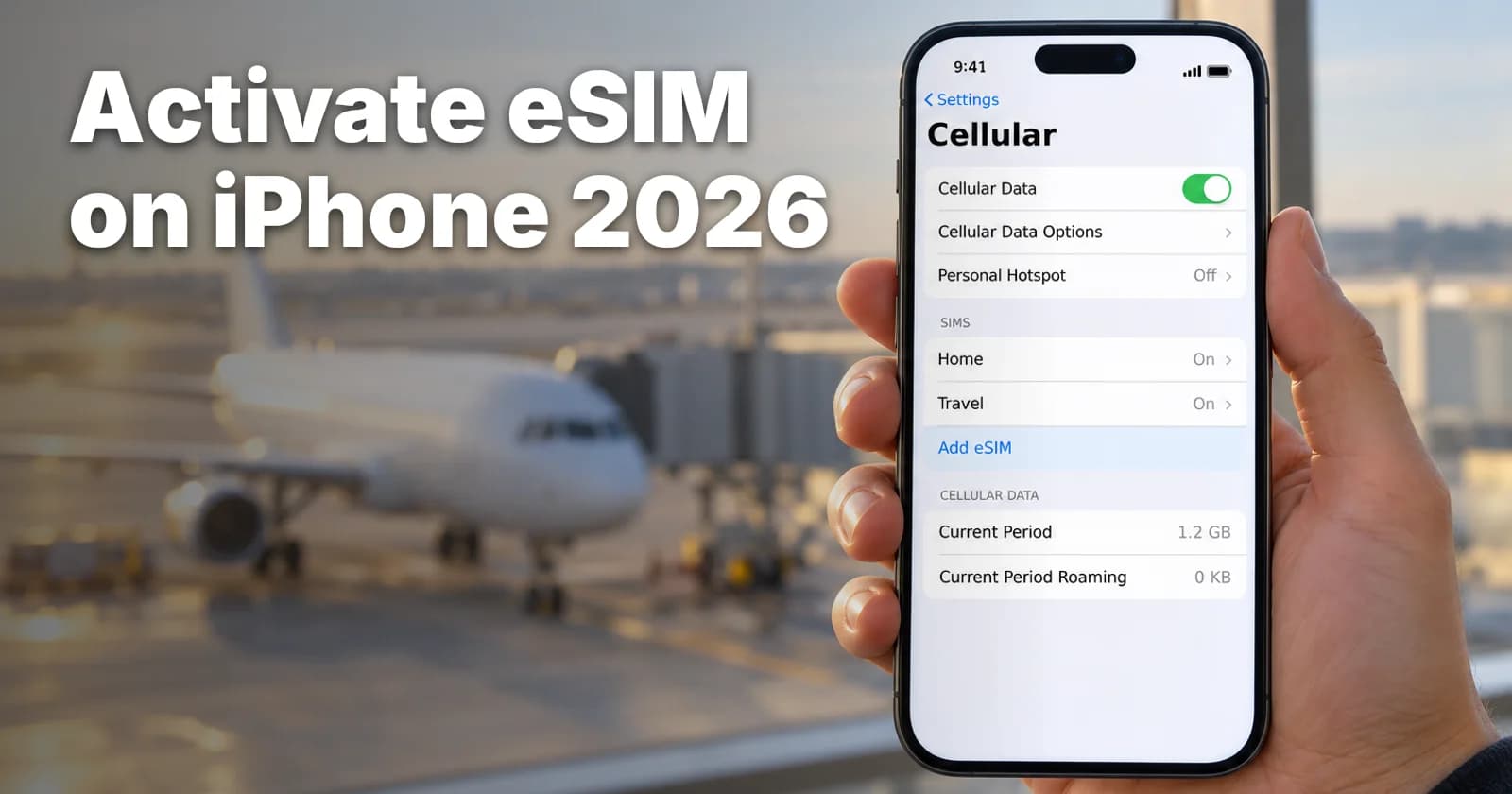
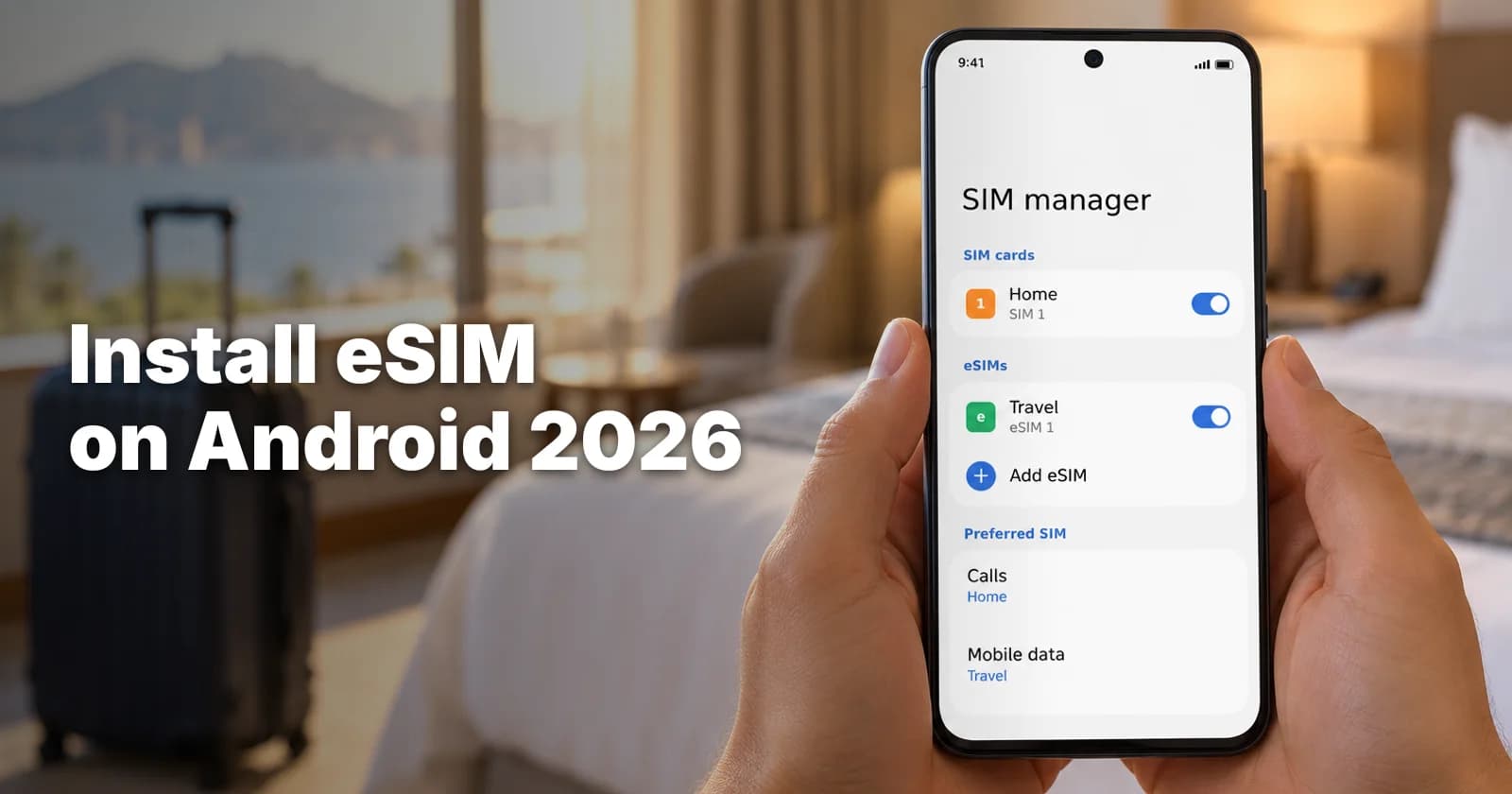
Most recent phones work with eSIMphoney, including iPhone XS, XR and newer, Samsung Galaxy S20 and newer, and Google Pixel 3 and newer. Look for an EID in your settings or dial *#06#. Some iPhones made for China don't support eSIM.
Your phone must be carrier-unlocked. For your exact model, see eSIMphoney's list of supported devices.
eSIMphoney has no app. You install from the QR code or link in your email and manage plans in My Account on the website.
No, eSIMphoney plans are data only, with no phone number, calls or SMS.
WhatsApp and other messaging apps work over data, so you keep your usual WhatsApp number. You can also keep your own SIM on to receive SMS.
eSIMphoney has plans for 131 countries and territories. To see the plans for your destination, choose it under Filters next to the plans.
Yes, you can top up an eSIMphoney eSIM if you have an account: log in to My Account, choose the eSIM and top it up there.
Each top-up has its own validity counted from activation, like a new plan. eSIMphoney doesn't say whether it extends your current plan.
The shop lists top-ups for Europe, the Americas and Oceania, but not for Asia, Africa or Europe Plus, so check before you rely on one.
Yes, every eSIMphoney plan supports hotspot and tethering. eSIMphoney doesn't mention a device limit.
The plans have fixed data, so sharing uses up the same allowance. eSIMphoney's plan guide suggests 20 GB or more if you'll use a hotspot a lot.
Sometimes: eSIMphoney reviews refund requests case by case, with no automatic refund once an eSIM is issued. You may get a full or partial refund if the eSIM never arrived, won't activate and support can't fix it, or a network fault is confirmed.
Changing your mind, an incompatible or locked phone, or a deleted eSIM doesn't qualify.
Email [email protected] within 30 days of purchase with your order number, phone model and the problem. Approved refunds go to your original payment method within 14 business days.
Yes, you can buy an eSIMphoney eSIM in advance and install it at home, and eSIMphoney recommends doing so. It won't activate until it connects to a local network at your destination.
At checkout you can choose Activate now or pick a later start date, which helps if you're buying well ahead of your trip.
eSIMphoney doesn't say how long you can wait between buying and activating.
 eSIMphoney eSIM Thailandfrom $3.33
 eSIMphoney eSIM Japanfrom $3.33
 eSIMphoney eSIM Francefrom $2.44
 eSIMphoney eSIM Spainfrom $2.44
 eSIMphoney eSIM Italyfrom $2.44
 eSIMphoney eSIM United Kingdomfrom $2.44
 eSIMphoney eSIM United Arab Emiratesfrom $5.01
 eSIMphoney eSIM Vietnamfrom $3.33
 eSIMphoney eSIM Chinafrom $5.01
 eSIMphoney eSIM Indonesiafrom $3.33
 eSIMphoney eSIM Singaporefrom $3.33
 eSIMphoney eSIM Mexicofrom $2.78